Connect Local and Cloud Models
Connect local model servers and cloud APIs to the same Open WebUI instance. Add a connection for each provider, then choose which model to use for a conversation.
Open WebUI supports multiple connection protocols, including Ollama, OpenAI-compatible APIs, and Open Responses. Any cloud API or local server that speaks one of these protocols works out of the box. Just add a URL and API key, and your models appear in the dropdown.
How It Works
- You type a message in Open WebUI
- Open WebUI sends it to your provider's API endpoint
- The provider runs inference on the selected model
- Tokens stream back to Open WebUI in real time
- You see the response in the chat interface
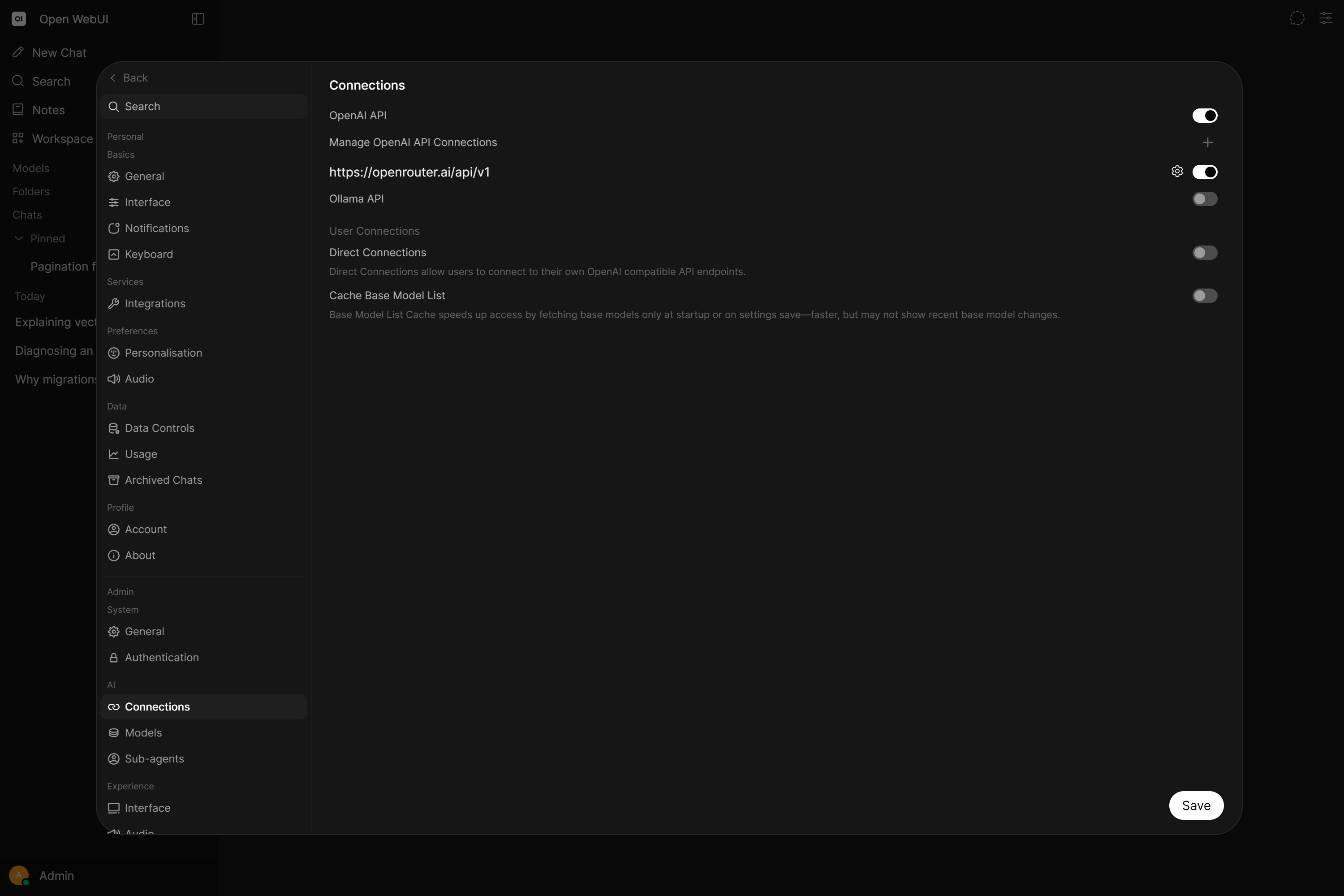
Adding a provider is as simple as entering a URL and API key in Settings → Admin → Connections. Open WebUI auto-detects available models from most providers.
Use local and cloud models together
You need a running Open WebUI instance, administrator access, a reachable local model server, and an API key for the hosted provider you choose.
- Connect Ollama and make sure a downloaded local model appears in the model selector.
- Add a hosted connection using the OpenAI, Anthropic, or OpenAI-compatible provider guide.
- Start a conversation, select the local model, and send a short test message. Start another conversation with the hosted model and confirm that it also responds.
- To send the same prompt to both models, use Multi-Model Chats.
The selected endpoint determines where inference happens. Selecting a cloud model sends the prompt and included context to that provider; comparing models sends the prompt to each selected endpoint. Local inference does not make separately configured cloud tools, extraction, or embedding services local. See Chat Data Privacy & Encryption when choosing providers for sensitive content.
Cloud Providers
Hosted APIs that require an account and API key. No hardware needed.
| Provider | Models | Guide |
|---|---|---|
| OpenAI | GPT-5.6 Sol, GPT-5.6 Terra, GPT-5.6 Luna | Starting with OpenAI → |
| Anthropic | Claude Opus 5, Sonnet 5, Haiku 4.5 | Starting with Anthropic → |
| OpenAI-Compatible | DeepSeek, Mistral, Groq, OpenRouter, Vercel AI Gateway, Amazon Bedrock, Azure, and more | OpenAI-Compatible Providers → |
Local Servers
Run downloaded models on your own hardware. Authentication depends on how you configure the local server.
| Server | Description | Guide |
|---|---|---|
| Ollama | Run and manage downloaded models locally | Starting with Ollama → |
| llama.cpp | Efficient GGUF model inference with OpenAI-compatible API | Starting with llama.cpp → |
| vLLM | High-throughput inference engine for production workloads | Starting with vLLM → |
More local servers (LM Studio, LocalAI, Docker Model Runner, Lemonade) are covered in the OpenAI-Compatible Providers guide.
Other Connection Methods
| Feature | Description | Guide |
|---|---|---|
| Open Responses | Connect providers using the Open Responses specification | Starting with Open Responses → |
| Functions | Extend Open WebUI with custom pipe functions for any backend | Starting with Functions → |
Looking for Agents?
If you want to connect an autonomous AI agent (with terminal access, file operations, web search, and more) instead of a plain model provider, see Connect an Agent.