Administration
Monitor usage, evaluate model quality, and communicate with your users, all from the Admin Panel.
Open WebUI gives administrators a full operational toolkit. Track which models your team uses and how much they cost. Run blind evaluations to find the best model for your workload. Push announcements to every user with customizable banners. Wire up webhooks to get notified when users sign up or when long-running tasks finish.
What's In This Section
| 🎛️ Task Models | The model and parameters behind titles, tags, follow-ups, autocomplete, search queries and compaction summaries |
| 📊 Analytics | Usage dashboards with message volume, token consumption, model breakdowns, and per-user activity |
| 🏆 Evaluation | Model arena, blind A/B testing, ELO-based leaderboards, and chat snapshots for fine-tuning |
| 📢 Banners | Customizable system-wide announcements with dismissible notifications |
| 🎚️ Default Interface Settings | Instance-wide starting values for the options on everyone's Settings > Interface page |
| 🌐 Translations | Per-language names, descriptions, valve labels and banner text for the things you create |
| 🔔 Webhooks | Automated notifications for user sign-ups, chat completions, and external service integration |
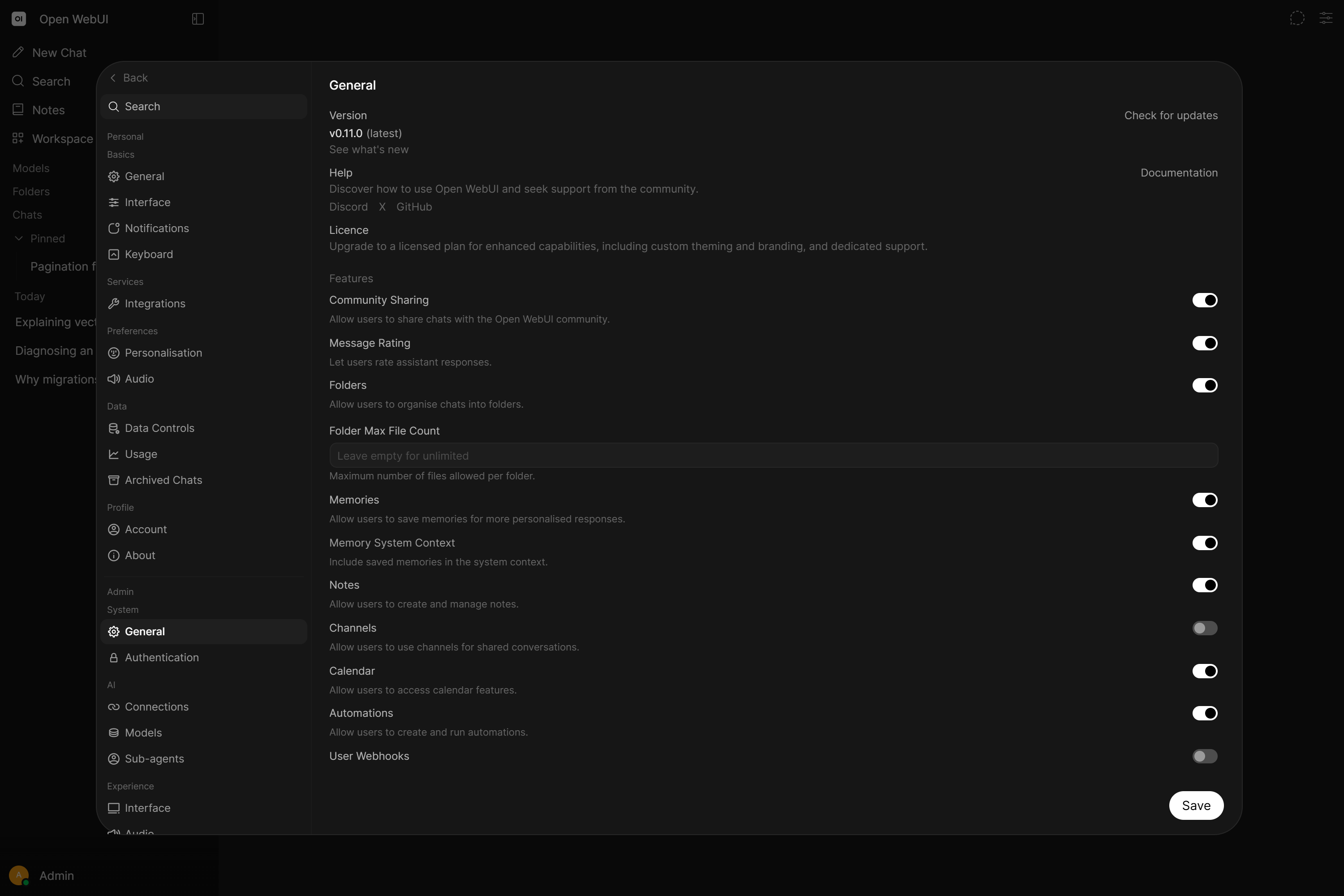
Task Models
Chat titles, tags, follow-up suggestions, autocomplete, search query rewriting and context compaction summaries all run as separate model calls in the background. Out of the box they run on whatever model the user is chatting with, which is why a flagship model can quietly write a lot of three-word titles.
Use it for: moving that work onto a small, fast model, capping what those requests are allowed to spend, and switching off the ones your instance does not want.
Analytics
Get a bird's-eye view of how your instance is being used. The analytics dashboard shows message volume, token consumption, model popularity, and user activity, filterable by time period and user group.
Use it for: capacity planning, cost estimation, identifying popular models, tracking adoption trends, and per-department usage reporting.
Evaluation
Not sure which model fits your team best? The evaluation system lets users rate model responses with thumbs up/down during normal conversations. Ratings feed into an ELO-based leaderboard, and rated chats are snapshotted for future model fine-tuning.
Two evaluation modes:
- Arena Mode: Randomly selects models for blind comparison, removing bias
- Normal interaction: Rate responses during regular use, then compare models by swapping them out
Banners
Push high-visibility messages to every logged-in user. Use banners for maintenance windows, incident alerts, policy reminders, and feature announcements. Configure via the Admin Panel or the WEBUI_BANNERS environment variable for GitOps workflows.
| Type | Color | Best for |
|---|---|---|
info | Blue | General announcements |
success | Green | Resolved incidents, completed changes |
warning | Yellow | Planned maintenance, partial degradation |
error | Red | Active incidents, outages |
Default Interface Settings
Choose what everyone's Settings > Interface page starts on, instead of leaving each account on the stock values. Set it in the Admin Panel or with the DEFAULT_INTERFACE_SETTINGS environment variable for GitOps workflows.
Use it for: giving a team a consistent look on day one, turning a distracting option off by default, or pushing a house style that people can still adjust for themselves. Untouched options keep following your defaults, so a later change reaches everyone who has not overridden it.
Learn about Default Interface Settings →
Webhooks
Three types of webhook integrations keep your external services in sync:
| Webhook | Purpose |
|---|---|
| Event Webhooks | Post any event from the catalog, sign-ups included, to Slack, Discord or your own endpoint |
| User Webhook | Notifies individual users when a long-running chat response is ready |
| Channel Webhooks | Let external services (CI/CD, monitoring, scripts) post messages into Open WebUI channels |