Skills
Teach your AI how to approach a task with plain-text instructions.
Skills are reusable, markdown-based instruction sets that you attach to models or invoke on-the-fly in chat. Unlike Tools (executable Python scripts), Skills are plain-text instructions: code review guidelines, writing style rules, troubleshooting playbooks, data analysis workflows. The model reads them and follows them.
Mention a skill with $ in chat to inject its full content immediately. Or bind skills to a model so they're always available, loaded on-demand to keep the context window efficient.
Why Skills?
Instructions without code
Write guidelines in Markdown. No Python, no API calls, no deployment. If you can write a document, you can create a skill.
On-demand context loading
With native function calling, every active skill the user can read is listed in a lightweight manifest (id, name, description), bound to the model or not. Binding a skill to a model only pre-selects it in the chat. The model loads full instructions when it needs them via the view_skill tool. In legacy mode every bound, toggled or mentioned skill is injected in full and there is no manifest.
Reusable across models
Create one "Code Review Guidelines" skill and attach it to every coding model. Update the skill once, and every model gets the new version.
Composable with tools
Pair a skill with Open Terminal or any tool server. The skill teaches the model how to use the tool (check exit codes, handle errors, use streaming for long-running commands), while the tool provides the capability.
Key Features
| 📝 Markdown content | Write instructions in plain Markdown |
| ⚡ $ mention in chat | Type $ to inject a skill's full content into the current message |
| 🧩 Per-chat toggle | Switch skills on for one chat from the + Integrations menu, no model edit needed |
| 🤖 Model binding | Attach skills to models so they're always available |
| 📦 Lazy loading | Model-attached skills inject only a manifest; full content loads on-demand |
| 📥 Import/Export | Import .md files with YAML frontmatter; export as JSON |
| 🔒 Access control | Private by default, shareable with users or groups |
| 🔀 Active/Inactive toggle | Deactivate skills without deleting them |
How Skills Work
User-selected skills ($ mention)
Type $ in the chat input to open the skill picker. Select a skill, and its full content is injected directly into the system prompt, in both function calling modes. The model has immediate access to the complete instructions. A message that is only a $ mention is sent with the skill names as its text, so providers that reject empty content do not fail.
Per-chat skills (Integrations menu)
Open the + menu in the chat input and choose Skills to toggle individual skills on for the current chat, the same place you enable Tools. A badge shows how many are active. The selection persists for that chat and is sent with every message, and the toggled skill is listed in the manifest under native function calling (only a $ mention injects full content there). Under legacy function calling a toggled skill is injected in full, like a $ mention.
Model-attached skills
Skills bound to a model use lazy loading:
- Manifest injection - Only the skill's name and description are added to the system prompt.
- On-demand loading - The model receives a
view_skillbuiltin tool. When it determines it needs a skill's full instructions, it callsview_skill(id)with the skill id from the manifest to load them.
This means many skills can be attached to a model without consuming context window space until actually needed.
The manifest reaches further than the model's own skills. As long as built-in tools are active for the chat, every active skill you have access to is listed in it, so the model can find and load one you never selected or attached. Without built-in tools there is no manifest and no view_skill, and only the skills you selected or attached are injected, in full.
Skills from a terminal server
A connected Open Terminal server can carry its own skills, kept in the workspace next to the files they describe. Open WebUI reads them from the server and offers them in the $ picker beside your workspace skills, under ids of the form terminal:<url-encoded name>. They behave like any other skill: $ mention injects the full content, otherwise they sit in the same manifest and load through view_skill. What gets injected carries the skill's directory and the files it ships with, so the model knows where to read them from in the workspace.
Writing a terminal server of your own means answering two endpoints:
| Endpoint | Returns |
|---|---|
GET /skills | A JSON array, one entry per skill, each with id (prefixed terminal:, the name url-encoded), name, description and location (or path). |
GET /skills/{name} | One skill: name, description, content (the Markdown instructions), location (or path) and resources, an array of file paths shipped with the skill. |
Both carry the connection's bearer key and Accept: application/json. Calls made by the server also send X-User-Id, X-Session-Id (the chat id) and X-Terminal-Context-Id, the same identity headers as every other terminal call, so a server that scopes skills per user or per chat has what it needs.
Creating a Skill
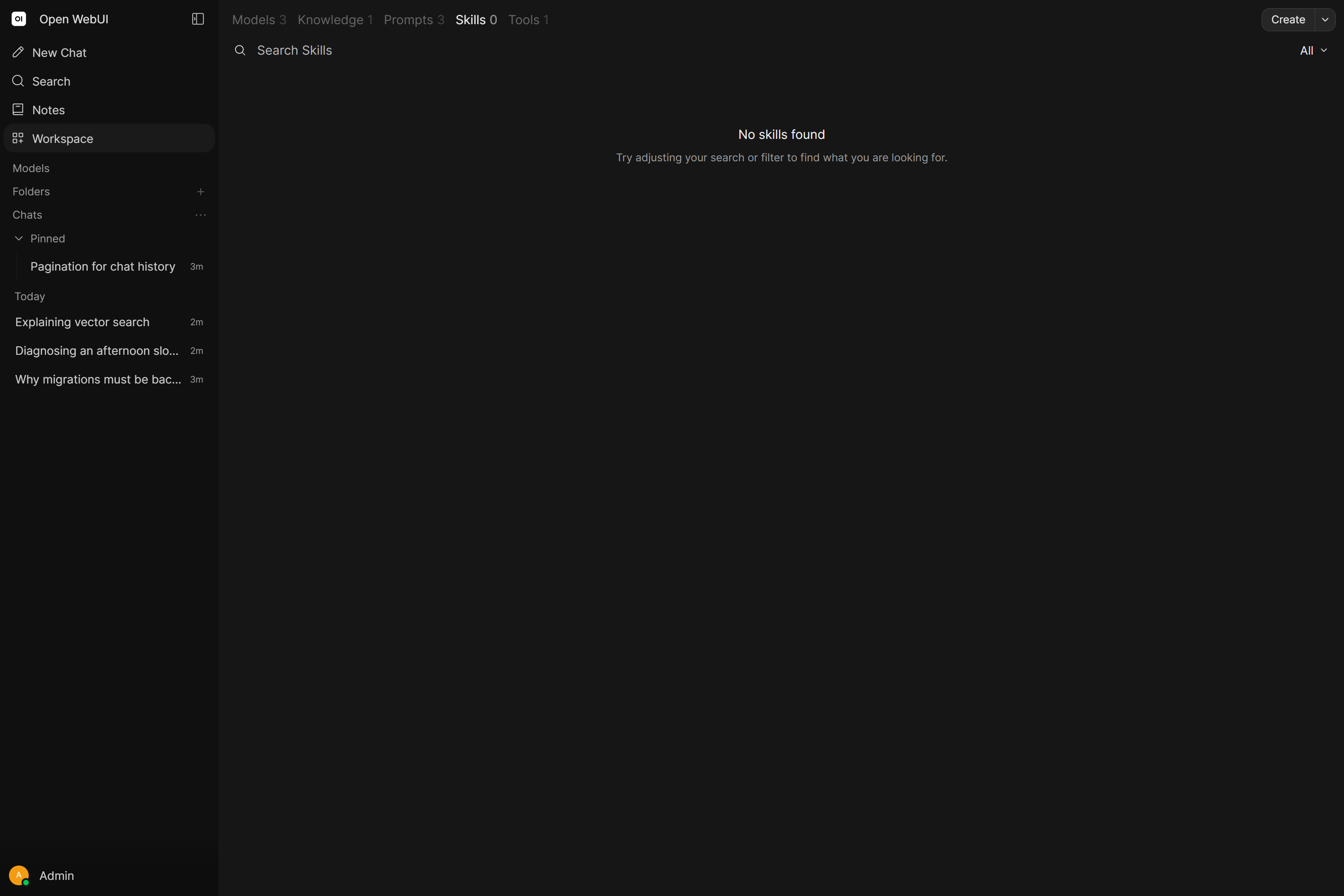
Navigate to Workspace > Skills and click Create in the Workspace header.
| Field | Description |
|---|---|
| Name | Human-readable display name (e.g., "Code Review Guidelines") |
| Skill ID | Unique slug, auto-generated from the name. Editable during creation, read-only afterwards |
| Description | Short summary shown in the manifest. For model-attached skills, the model uses this to decide whether to load the full instructions |
| Content | Full skill instructions in Markdown |
The globe selector beside the name translates the Name and Description per language, so a skill reads in the user's own language wherever it is listed. See Translations.
Importing from Markdown
Click Import JSON in the chevron menu beside Create and select a .md or .json file. A .json file creates the skills immediately. A .md file opens the editor pre-filled. If the file contains YAML frontmatter with name and/or description fields, those values are auto-populated:
---
name: code-review-guidelines
description: Step-by-step instructions for thorough code reviews
---

# Code Review Guidelines

1. Check for correctness...
From a chat with /skills:create
A workflow you just worked through in a chat can be turned into a skill without writing it out yourself. Type /skills:create in that chat, optionally followed by what the skill should cover, and the model gathers the material, authors one SKILL.md to the standard below and saves it on the selected terminal at <terminal-home>/.agents/skills/<skill-name>/SKILL.md, with any supporting files under scripts/, references/, templates/ or assets/. It reports the name, the location and a one-line summary when it is done.
Anything you write after the command is treated as authoring guidance, all of it. Sources to pull from (paths, URLs, "what we just did", pasted notes) and requirements that shape the result (focus, exclusions, naming, style) can be mixed freely in one request.
The command needs a selected Open Terminal and a chat that already has content, since the chat is the raw material. Both are checked on the server, so a skill is never written when one is missing, and the / menu leaves the command out until both hold.
Skill Authoring Standard
This is the standard Open WebUI itself follows when it writes a skill through /skills:create, and the one to hold your own skills to.
Frontmatter
| Key | Rule |
|---|---|
name | Lowercase and hyphenated, no spaces, 64 characters at most. |
description | One sentence, 60 characters at most, ending in a period. Name the capability, skip the implementation, do not repeat the skill name, and leave out words like powerful, comprehensive, seamless, advanced or robust. Count the characters before saving. |
version | Starts at 0.1.0. |
platforms | [macos], [linux] or [windows], and only when the skill uses something OS-bound. Omit it for portable skills. |
Body sections, in this order
# <Human Title>and a short intro: what it does, what it does not do, what it assumes is installed.## When to Use, with concrete trigger phrases.## Prerequisites: exact environment variables, credentials and install steps, orNone.## How to Run: the canonical workflow, framed through the tools the model actually has.## Quick Reference: flat list of commands, routes, files or APIs.## Procedure: numbered steps, copy-paste exact.## Pitfalls: known limits and failure modes.## Verification: one focused check that proves the skill works.
Framing the tools. Name tools in backticks, run_command, write_file and view_skill among them, and describe shell work as run through run_command. Prefer the read and search tools over raw shell utilities where one exists. Third-party CLIs are fine inside a procedure as long as it is clear the agent invokes them through run_command.
Quality bar. Use commands, routes, paths, function names, config keys and error text exactly as they appear in the source; invented flags or APIs are the main way a skill goes wrong. Keep SKILL.md scannable, roughly 100 lines for a simple workflow and 200 for a complex one, and put the bulk elsewhere: larger scripts in scripts/, detailed docs in references/, reusable outputs in templates/, binary or visual assets in assets/. A skill that only points at other skills is worth nothing; write the one that does the work.
Binding Skills to a Model
- Go to Workspace > Models.
- Edit a model and scroll to the Skills section.
- Check the skills you want this model to always have access to.
- Click Save.
In native mode the manifest already lists every readable skill, so binding only pre-selects those skills in the chat. In legacy mode the bound skills' full content is appended to the system prompt.
Skill Management
From the Skills workspace list, use the ellipsis menu (...):
| Action | Description |
|---|---|
| Edit | Modify content, name, or description |
| Clone | Create a copy with _clone appended to the ID |
| Export | Download as JSON |
| Delete | Permanently remove (Shift+Click for quick deletion) |
Bulk export: Click Export JSON in the chevron menu beside Create to export all accessible skills as a single JSON file. It needs the Export Skills permission.
Active/Inactive toggle: Inactive skills are excluded from manifests and cannot be loaded by the model, even if bound to one or mentioned in chat.
Access Control
Skills use the same Access Control system as other workspace resources:
- Private by default: Only the creator can see and edit a new skill.
- Share with users or groups: Grant
readorwriteaccess via the Access button. - Read-only access: Users with read access can view but not edit. The editor shows a "Read Only" badge.
Attaching a skill to a model does not bypass access control. When a user chats with the model, Open WebUI checks whether that user has read access to each attached skill. Skills the user can't access are silently excluded.
Example: An admin creates a private skill and attaches it to a shared model. Regular users chatting with this model will not get the skill because they don't have read access.
Solution: Make sure users who need the model's skills also have read access to each skill (via access grants, group permissions, or by making the skill public).
Required permissions
| Permission | What it controls |
|---|---|
| Workspace > Skills Access | Access the Skills workspace and create/manage skills |
| Sharing > Skills Sharing | Share skills with individual users or groups |
| Sharing > Skills Public Sharing | Make skills publicly accessible |
See Permissions for configuration details.
Use Cases
Code review standards
Write your team's review checklist as a skill: naming conventions, error handling patterns, test coverage requirements. Attach it to your coding models so every review follows the same bar.
Writing style guide
Document tone, formatting rules, and terminology in a skill. Attach it to content-writing models. Every draft follows your brand voice.
Troubleshooting playbooks
Encode your runbook for common issues: "check logs first, verify config, test connectivity, escalate if X." The model follows the same diagnostic steps your senior engineers would.
Tool usage instructions
Pair a skill with Open Terminal to teach the model how to use it well. "Always check exit codes. Use set -e in scripts. Stream output for commands that take more than 10 seconds."
Limitations
Plain text only
Skills are instructions, not executable code. For actions that require computation, API calls, or system access, use Tools instead.
Context window with $ mention
When injected via $ mention, the full skill content goes into the system prompt. A very long skill attached to a model with a small context window may crowd out conversation history.
Lazy loading requires function calling
The manifest and the view_skill builtin tool need native function calling with Builtin Tools enabled. Without them there is no lazy loading at all: every bound, toggled or mentioned skill is injected in full into the system prompt.