Analyze Your Documents and Data
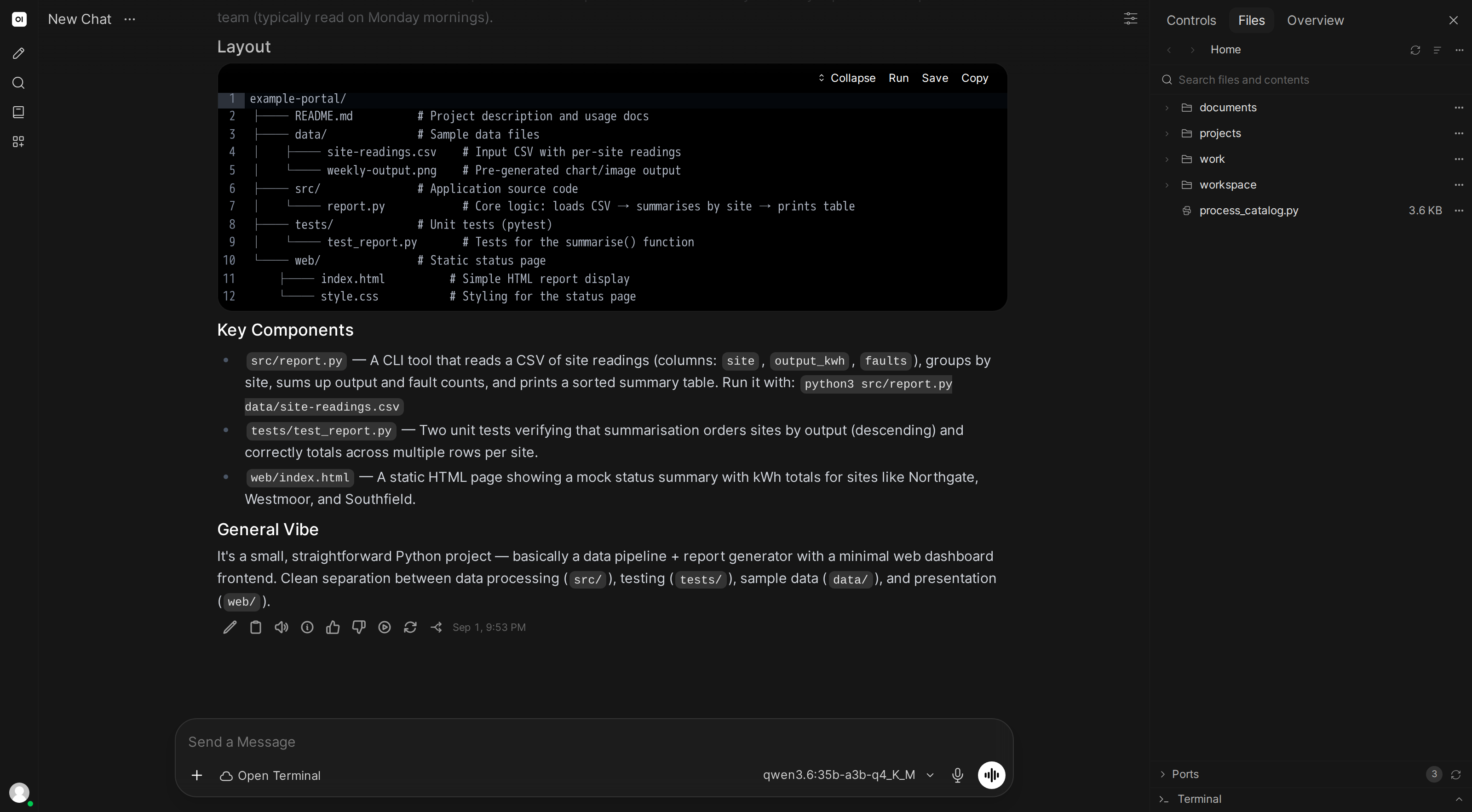
Got a pile of spreadsheets, PDFs, Word documents, or emails you need to make sense of? Drop them into the file browser and let the AI read them for you. Open Terminal can open and understand all of these formats, no special setup needed.
What file types can it read?
| Type | Formats |
|---|---|
| Spreadsheets | Excel (.xlsx, .xls), OpenDocument (.ods), CSV |
| Documents | Word (.docx), OpenDocument (.odt), Rich Text (.rtf), PDF |
| Presentations | PowerPoint (.pptx), OpenDocument (.odp) |
| Other | Email (.eml), E-books (.epub), plain text, HTML, Markdown, JSON, XML |
Open Terminal reads and processes files in its execution environment. Content returned to the AI is sent to the model endpoint configured for the conversation. Use local models and local processing services when that content must remain within your infrastructure. See Chat Data Privacy & Encryption.
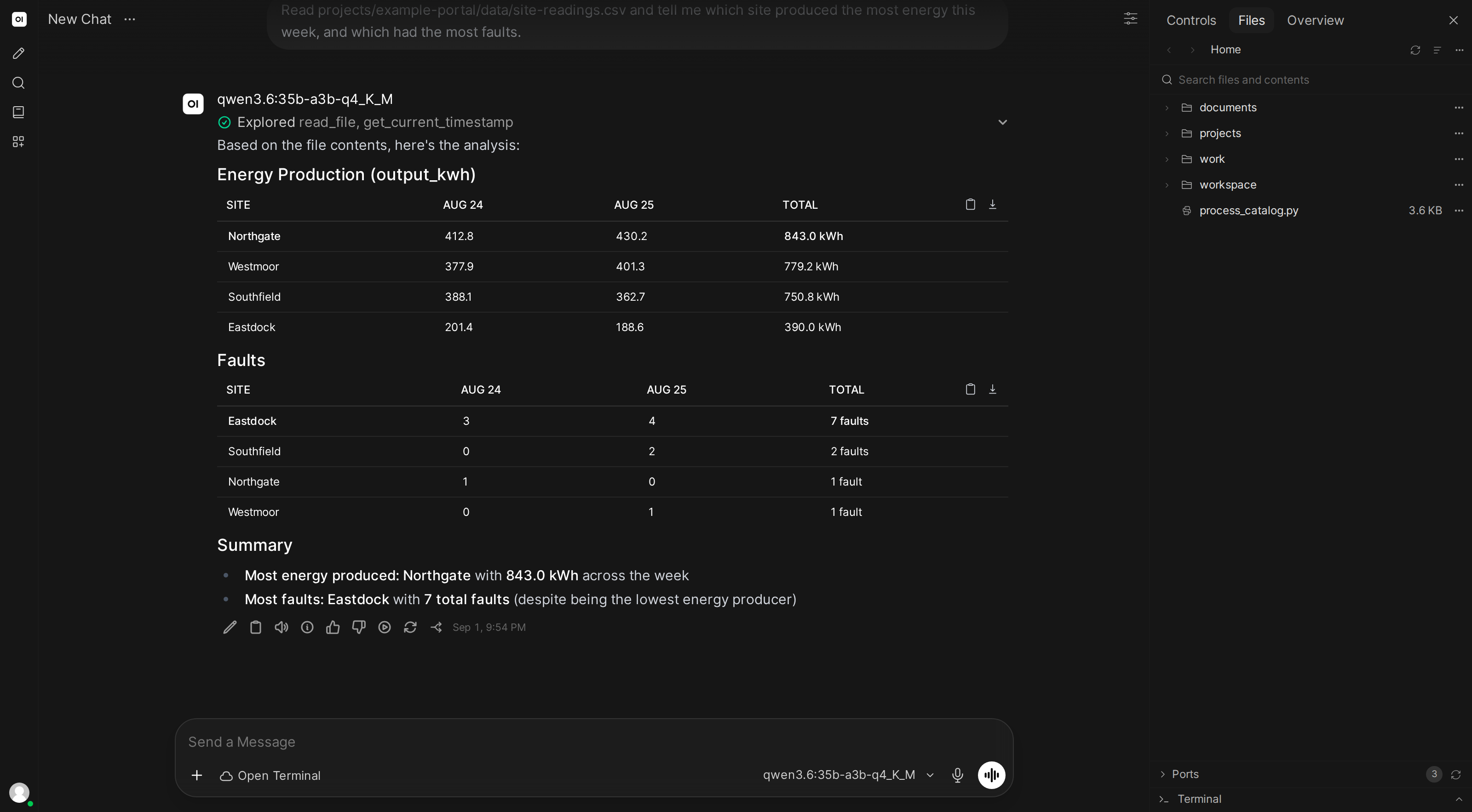
"Summarize this report"
You: (drag-drop a PDF into the file browser)
Can you read this quarterly report and give me the key takeaways?
The AI opens the PDF, reads through it, and gives you a concise summary, pulling out revenue figures, key decisions, notable changes, whatever matters.
"Go through all those invoices"
You: There are about 30 invoices in the /invoices folder. Can you read them all and make a spreadsheet with the vendor name, date, and amount?
The AI opens every file in the folder (even if they're a mix of PDFs and Word documents), extracts the information, and creates a clean spreadsheet you can download.
"What do these emails say about the deadline?"
You: (upload several .eml files)
Read through these emails and find any mentions of deadlines or due dates.
The AI reads the email files (including sender, date, subject, and body) and pulls out the relevant information.
"Analyze this data and make a chart"
You: (drop a sales_data.xlsx into the file browser)
Break down the sales by region and make a pie chart.
The AI reads the spreadsheet, processes the data, creates a chart, and saves it as an image you can preview and download.
"Search across all these documents"
You: Search through everything in the /contracts folder for any mention of "termination clause" or "cancellation".
The AI searches across every file (PDFs, Word docs, spreadsheets, whatever's there) and tells you exactly where it found matches.
Unlike traditional search or RAG systems, the AI reads files live every time you ask. That means it sees the current version on disk: no re-indexing, no sync delays, no database to manage.
Working with large files
If a document is very long, the AI is smart about reading it in sections rather than all at once. You can also ask it to focus on specific parts:
"Read just the executive summary section of this report"
"Show me rows 500 through 600 of this spreadsheet"
More things to try
- Run code from chat →: the AI writes, runs, and debugs code
- Build & preview websites →: create and iterate on web pages
- Explore the file browser →: upload, preview, download, and edit files