Image Router
warning
This tutorial is a community contribution and is not supported by the Open WebUI team. It serves only as a demonstration on how to customize Open WebUI for your specific use case. Want to contribute? Check out the contributing tutorial.
Open WebUI also supports image generation through the Image Router APIs. Image Router is an open source image generation proxy that unifies most popular models into a single API.
Initial Setup
- Obtain an API key from Image Router.
Configuring Open WebUI
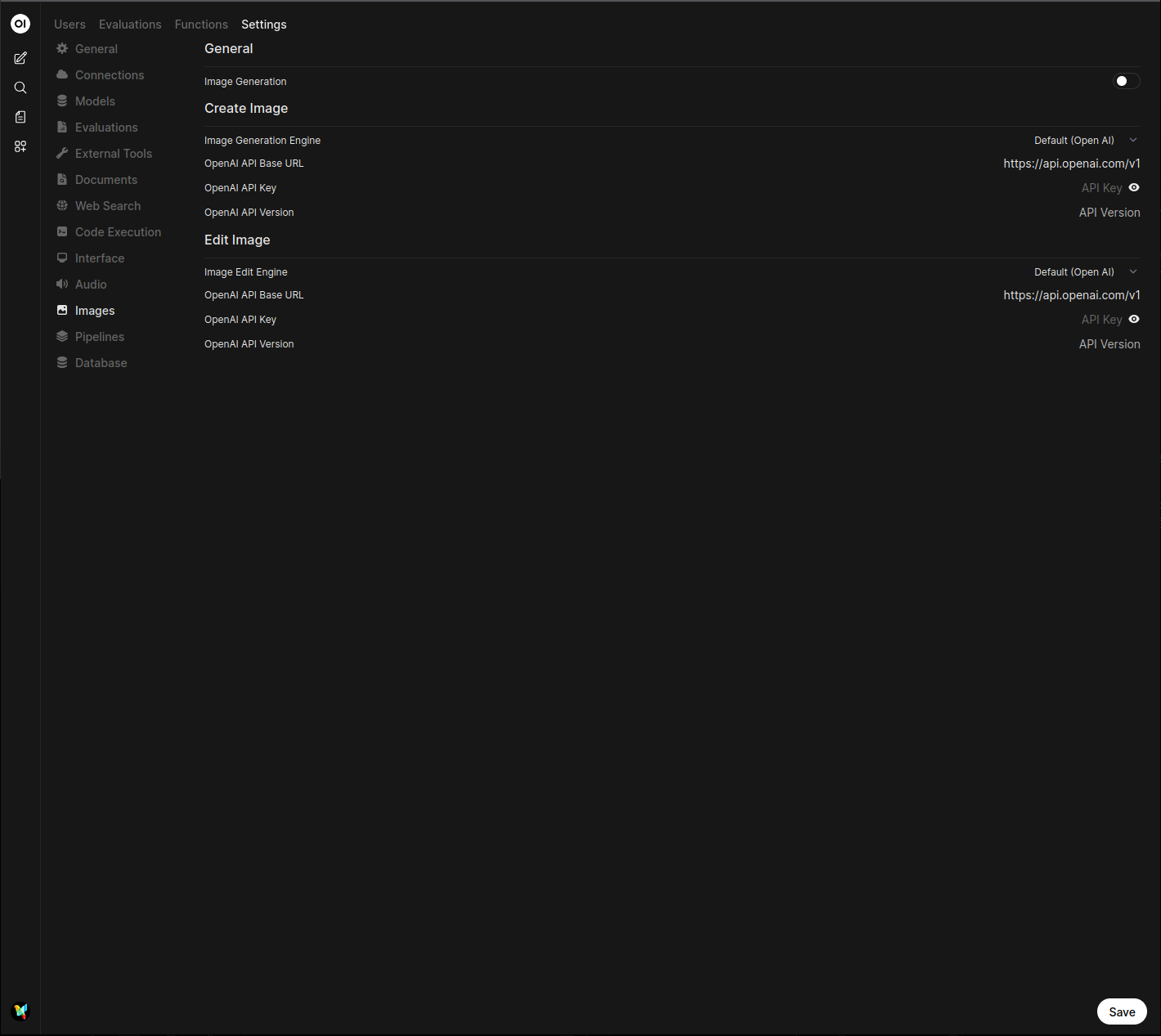
- In Open WebUI, navigate to the Settings > Admin > Images menu.
- Set the
Image Generation Enginefield toDefault (Open AI)(Image Router uses the same syntax as OpenAI). - Change the
API Base URLtohttps://api.imagerouter.io/v1/openai - Enter your Image Router API key.
- Enter the model you wish to use. Do not use the dropdown to select models, enter the model name instead. For more information, see all models.