Turn Raw Data into a Polished Report
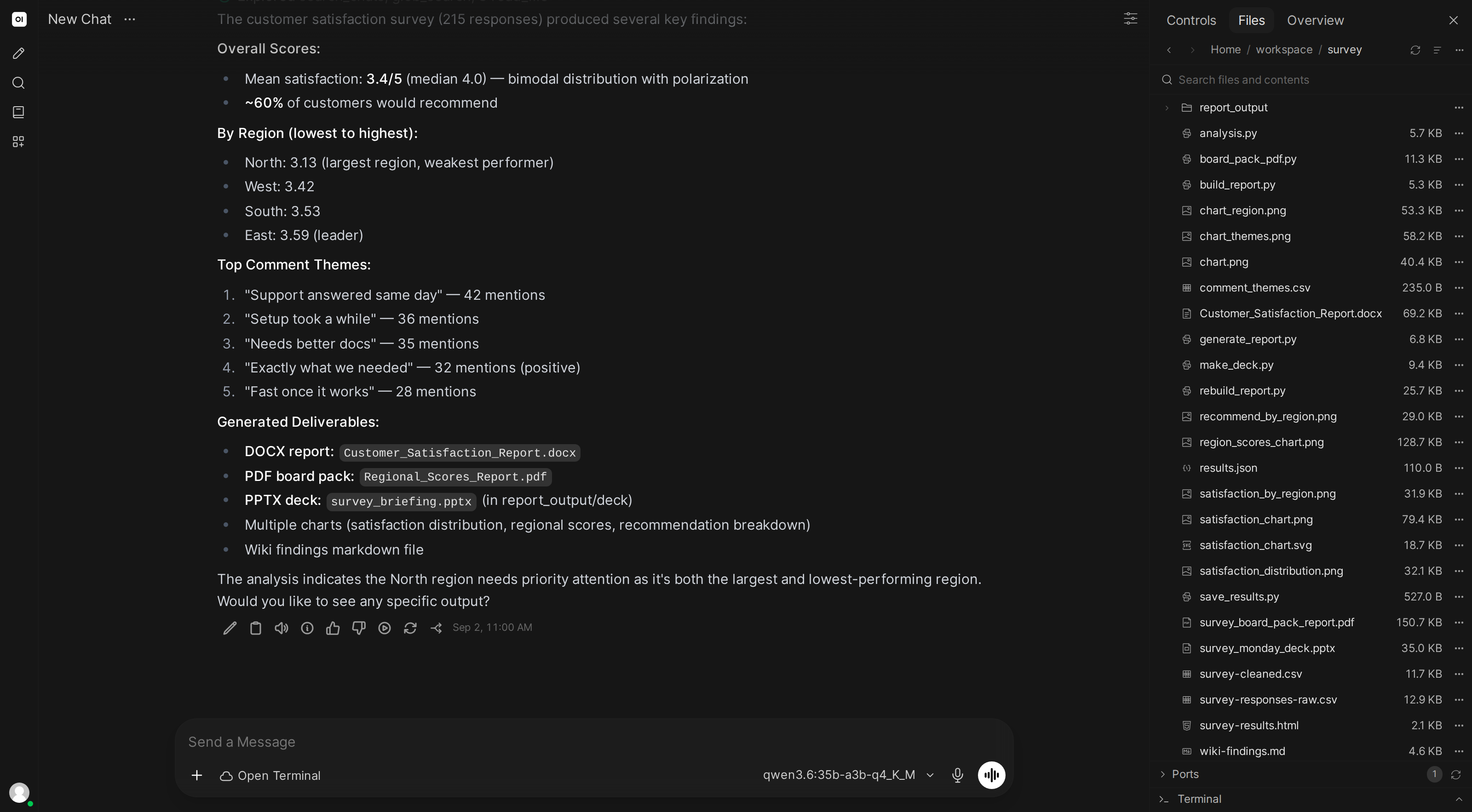
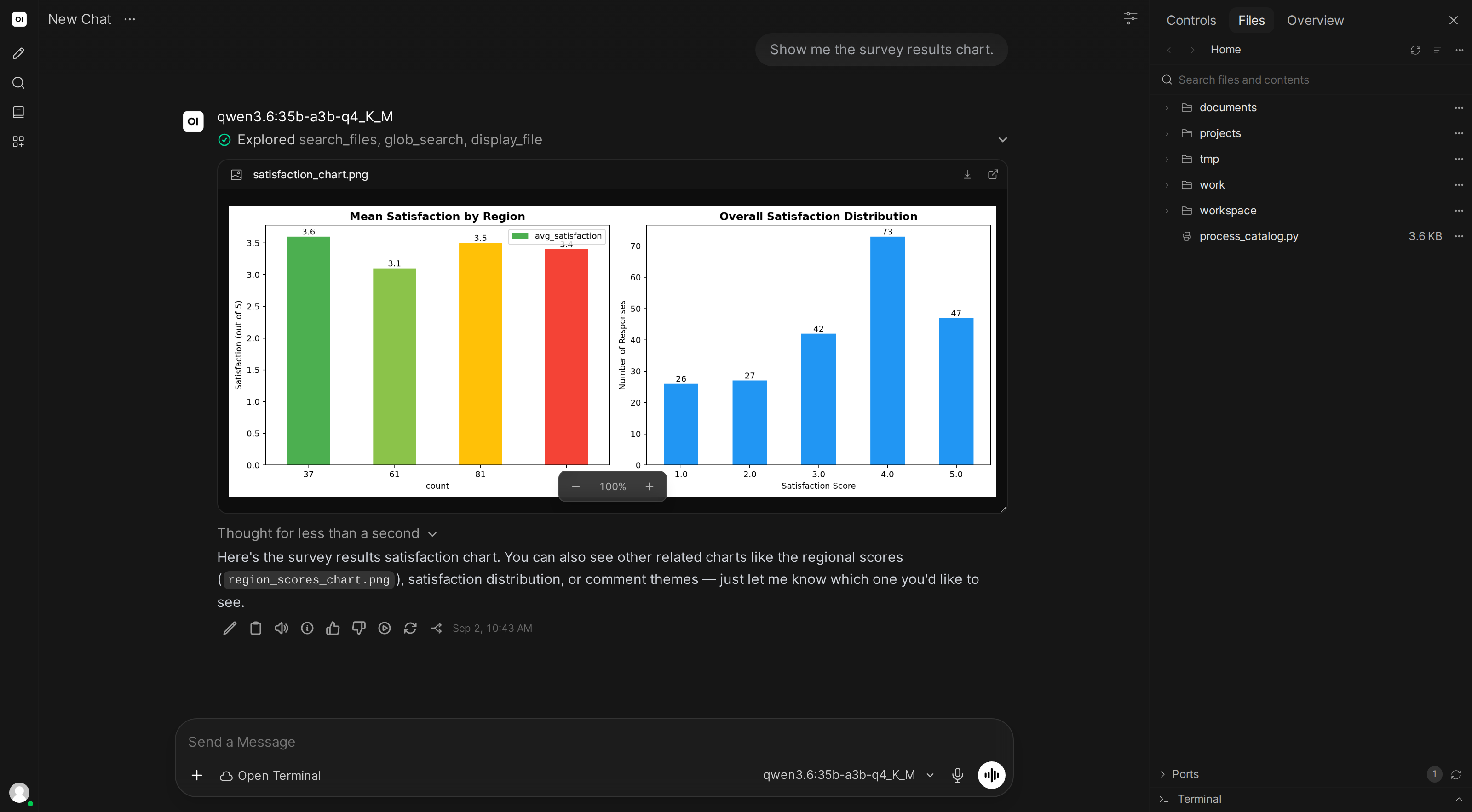
Upload messy data, and the AI cleans it, analyzes it, builds charts, and produces a downloadable PDF report.
You: $Data Report Generator
(drag-dropsurvey_responses.csvinto the file browser)
Analyze this survey data and create a report for our team meeting.
What the AI does
- Reads the CSV and identifies data quality issues
- Cleans the data (fixes formatting, removes duplicates, handles missing values)
- Computes statistics: response rates, averages, distributions
- Generates charts (bar charts, pie charts, trend lines)
- Assembles everything into a formatted PDF with title page, summary, charts, and data tables
- Saves the PDF to the file browser for download
Skill content
Copy this into Workspace → Skills → Create:
---
name: data-report-generator
description: Analyzes data files and creates professional PDF reports with charts and summaries
---

## Data Analysis & Reporting

When asked to analyze data:

1. **Profile the data first**: Read the file and report row count, column types, missing values, duplicates
2. **Clean the data**: Standardize formats, fill or flag missing values, remove exact duplicates. Save the cleaned version as a separate file
3. **Find the story**: Identify distributions, outliers, correlations, and trends. Focus on the 3-5 most interesting findings
4. **Create charts**: Use matplotlib with a consistent color palette. Label all axes clearly. Save each chart as a PNG in a /charts directory
5. **Build the PDF**: Use reportlab or weasyprint to create a report with:
   - Title page with report name and date
   - Executive summary (3-5 bullet points)
   - One section per major finding with chart and interpretation
   - Data tables in an appendix
6. **Save everything** to a /reports directory

Always explain findings in plain English, not statistical jargon.