Personal Finance Dashboard
Upload bank statements and get a spending analysis with charts.
You: $Finance Analyzer
(drop 3 CSV bank statements into the file browser)
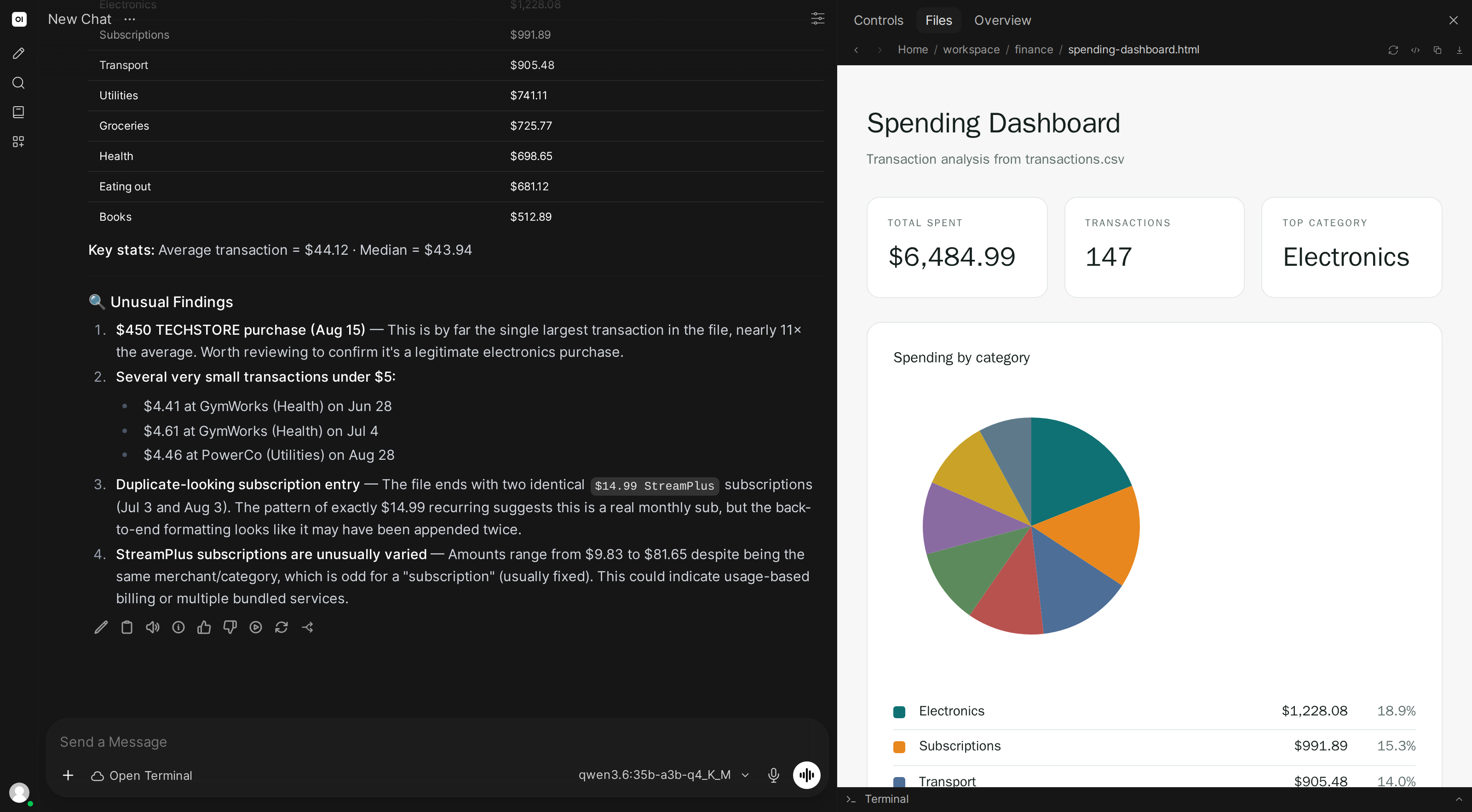
Analyze my spending over the last 3 months. Where is my money going?
What the AI does
- Reads all CSV files and normalizes the different formats
- Categorizes transactions: groceries, dining, subscriptions, transport, etc.
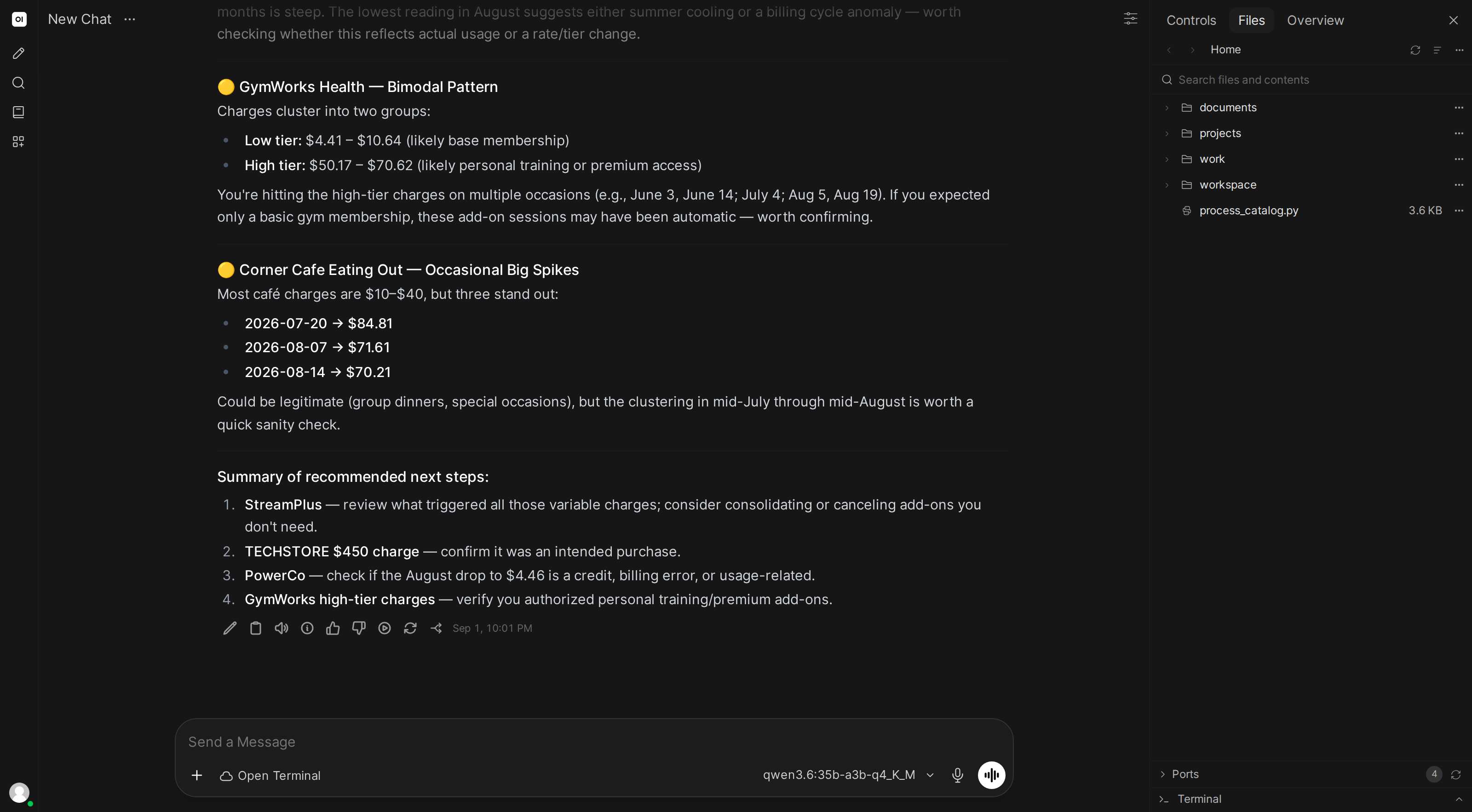
- Identifies recurring charges and flags anything unusual
- Creates a dashboard with monthly trends, category breakdown, and top merchants
- Flags anomalies: unusually large charges, new subscriptions, possible duplicates
Skill content
Copy this into Workspace → Skills → Create:
---
name: finance-analyzer
description: Analyzes bank statements and creates spending reports with charts
---

## Financial Analysis

When analyzing bank statements:

1. **Read all files** and normalize columns (date, description, amount, type). Handle different CSV formats (detect delimiters, date formats, debit/credit conventions)
2. **Categorize transactions** using keyword matching:
   - Groceries: walmart, costco, trader joe, whole foods
   - Dining: restaurant, cafe, doordash, uber eats
   - Subscriptions: netflix, spotify, recurring monthly charges
   - Transport: gas, uber, lyft, parking
   - (Add more categories as needed)
3. **Generate charts**:
   - Monthly spending trend (line chart)
   - Category breakdown (pie chart)
   - Top 10 merchants (bar chart)
4. **Detect anomalies**: charges >2x average for that merchant, new recurring charges, possible duplicates (same amount within 3 days)
5. **Create an HTML dashboard** viewable in the file browser

Use proper currency formatting and round to 2 decimal places.