Process a Folder of Emails
Drop a batch of .eml files and get a structured spreadsheet with action items and deadlines.
You: $Email Processor
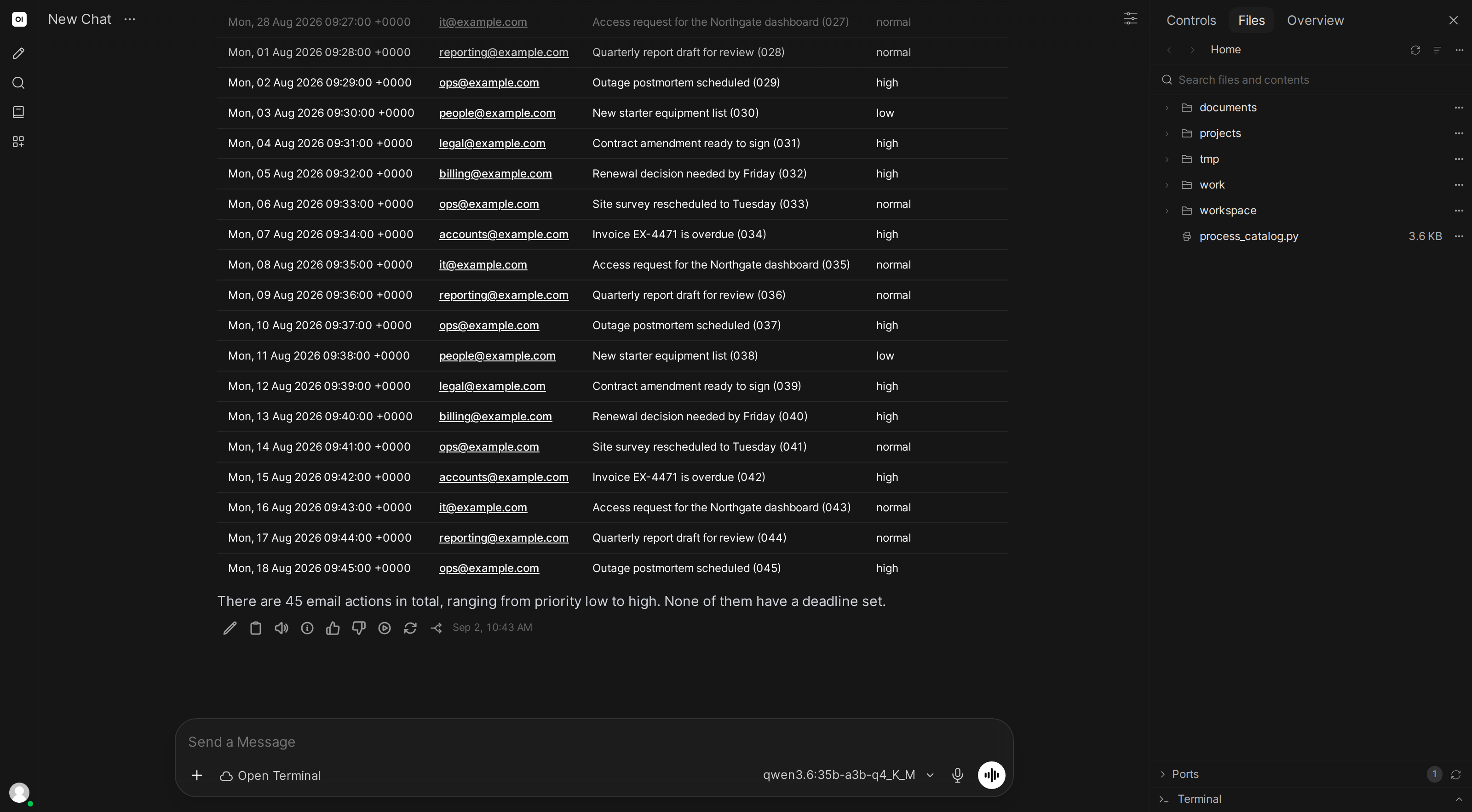
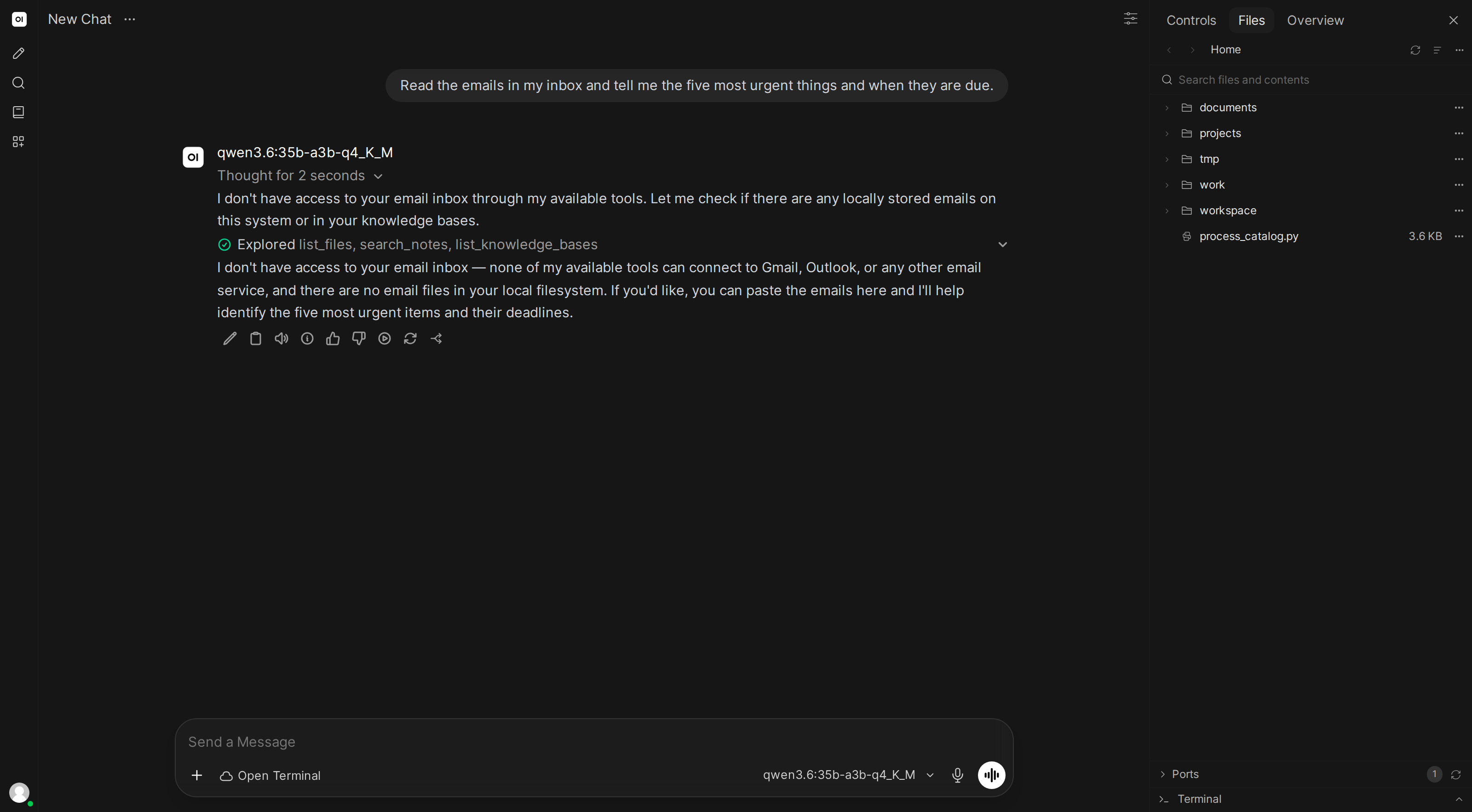
Go through the /project-emails folder and extract all action items and deadlines.
What the AI does
- Lists all
.emlfiles in the folder - Reads each email: headers (from, to, subject, date) and body
- Identifies action items, deadlines, decisions, and open questions
- Creates a CSV with structured columns
- Flags overdue items
- Writes a summary of the most critical emails
Skill content
Copy this into Workspace → Skills → Create:
---
name: email-processor
description: Reads .eml email files and extracts action items, deadlines, and key decisions
---

## Email Processing

When asked to process email files:

1. **List all .eml files** in the specified directory
2. **For each email, extract**:
   - Headers: From, To, CC, Date, Subject
   - Body: prefer plain text, strip HTML tags as fallback
   - Attachment filenames (if any)
3. **Analyze each body for**:
   - Action items (tasks assigned to someone)
   - Deadlines or due dates
   - Decisions made
   - Questions that need answers
4. **Create a CSV** with columns: Date, From, Subject, Action Items, Deadline, Priority
5. **Sort by date** and flag anything overdue
6. **Write a summary** highlighting the 5 most critical items

Preserve original email context so findings are traceable.