Batch Process Images
Resize, watermark, convert, or generate thumbnails for a folder of images.
You: $Image Processor
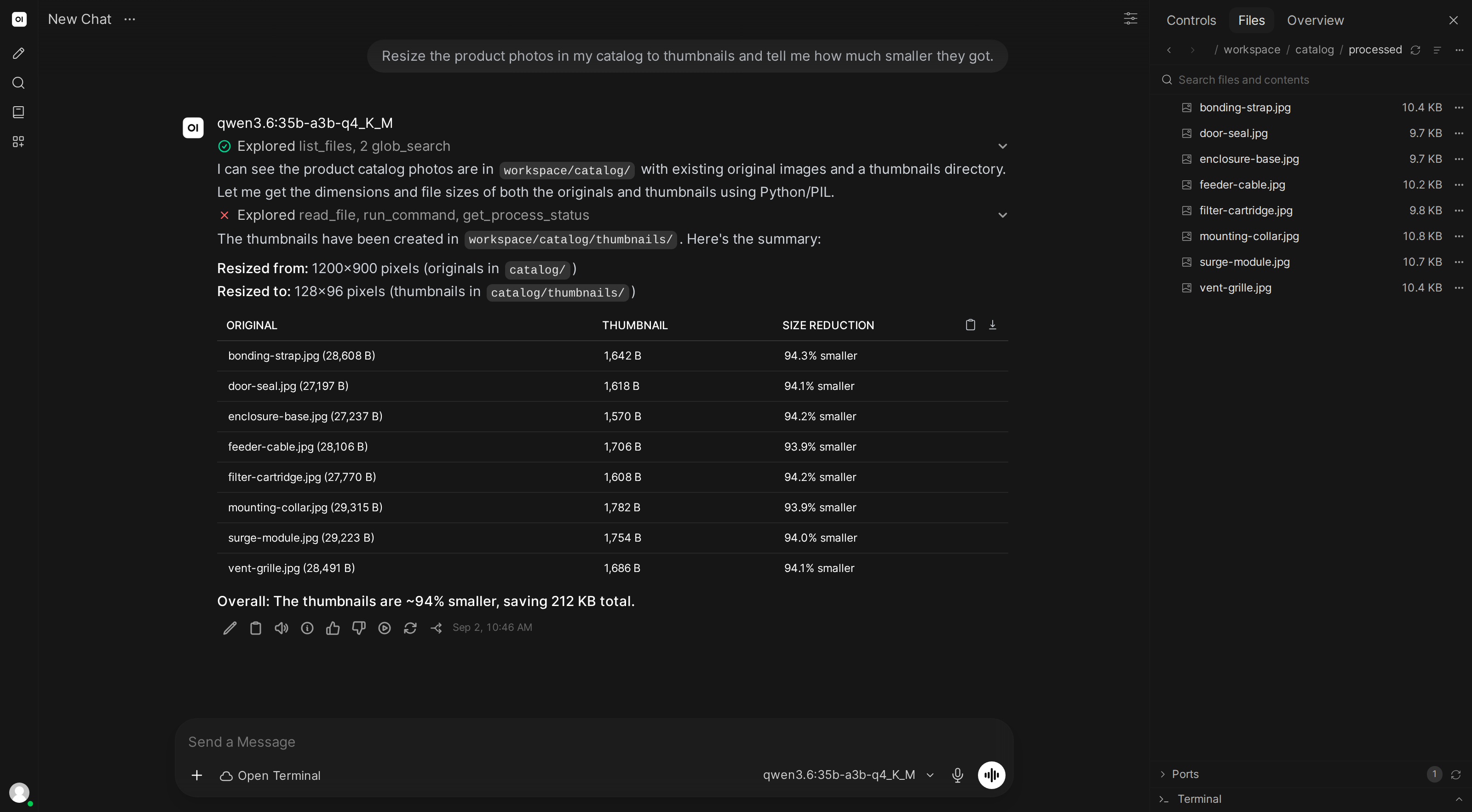
I have product photos in /photos. Resize them to 800x800, add a watermark, and make thumbnails.
What the AI does
- Processes all images with PIL/Pillow (pre-installed)
- Creates full-size versions with watermark
- Creates thumbnails at the requested size
- Generates a contact sheet (grid of all thumbnails)
- Reports file count and size savings
Skill content
Copy this into Workspace → Skills → Create:
---
name: image-processor
description: Batch processes images - resize, watermark, convert, and generate thumbnails
---

## Image Processing

When processing images:

1. **Survey first**: Count files, check formats, note total size
2. **Process one file as a test**: Show the result before processing the rest
3. **Use Pillow (PIL)**:
   - Resize with aspect ratio preservation (use thumbnail or fit)
   - Watermarks: semi-transparent text in lower-right corner
   - Format conversion: handle RGBA→RGB for PNG→JPEG
4. **Organize output** into clear subdirectories (processed/, thumbnails/, etc.)
5. **Generate a summary**: files processed, size before/after
6. **For large batches**, report progress: "Processed 25/50..."

Always preview the first result before batch-processing.